No Bootable Device
"No bootable device" means your computer cannot find an operating system to start. It can be a wrong BIOS setting, a damaged boot record, or a failing drive.
- Typical time1–3 hours
- Service modeAt your doorstep
- PricingUpfront quote
About this service
"No bootable device" means your computer cannot find an operating system to start. It can be a wrong BIOS setting, a damaged boot record, or a failing drive.
We find which one it is, repair it, and recover your data if the drive is on its way out.
What's included
- Boot record recovery
- Partition repair
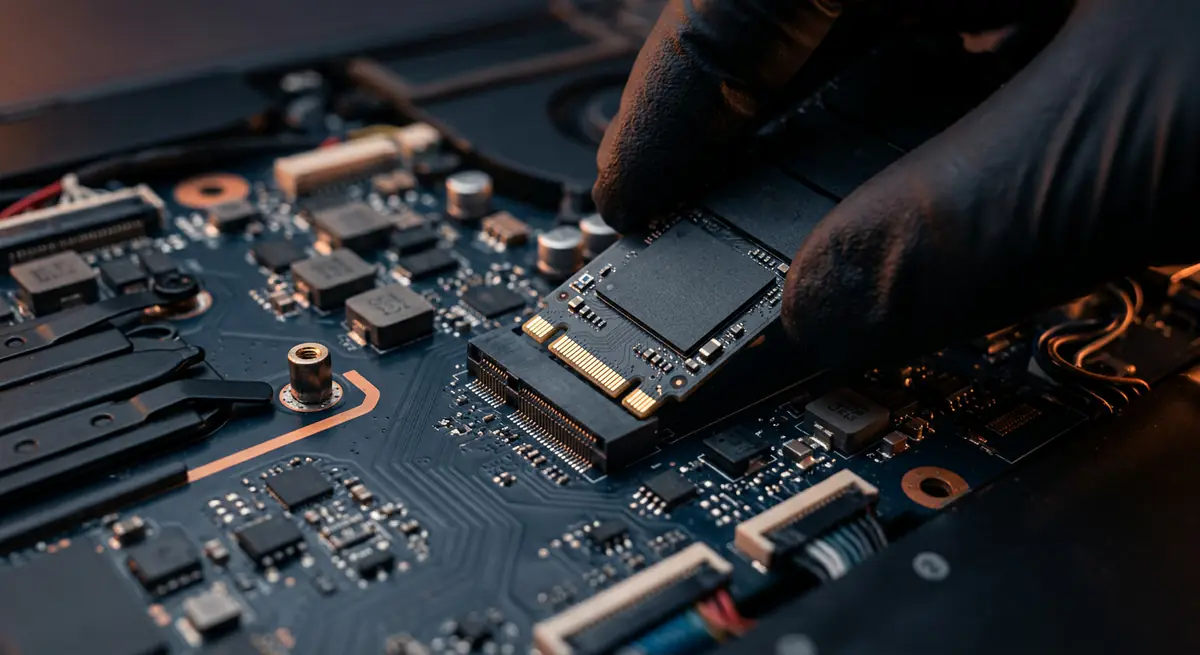
- Drive replacement if needed
- BIOS boot order check
- Boot record and partition repair
- Drive health test
- Data recovery if needed
- Drive replacement and OS install if failed
Brands we repair
- HP
- Dell
- Lenovo
- Asus
- Acer
- Apple
- MSI
- Custom PCs
Do you need this service?
If any of these sound familiar, it's time to get it checked before it gets worse.
"No bootable device" or "Boot device not found"
Stuck on the manufacturer logo
Drive not detected in BIOS
Happened after an update or power cut
From call to fixed.
Check BIOS
We confirm the drive is detected and boot order is right.
Diagnose drive
Health tests show if the drive is failing.
Repair boot
Boot records and partitions repaired.
Replace if needed
New drive, data moved over, system restored.
Common causes
What usually leads to this problem.
- Wrong boot order in BIOS
- Damaged boot record
- Loose or failed drive
- Interrupted OS update
Tips from our technicians
Simple habits that help — before and after the repair.
- Do not keep restarting repeatedly
- Avoid running random repair tools on a failing drive
- Back up regularly to cloud or external storage
Common questions
Everything you need to know about no bootable device with Fix Point.
Is my data gone?
Usually not. In most cases the data is still on the drive and can be recovered even if the system will not start.
Can a loose connection cause this?
Yes, especially after a drop or internal work. Re-seating the drive sometimes fixes it.
Do you replace the drive if needed?
Yes. We can fit a new SSD, move your data if possible and reinstall the OS.
Can I keep using it while waiting for repair?
If it does boot occasionally, avoid saving new data on it and back up immediately.
How do I book a repair?
Just call or WhatsApp us on +91 98447 42792, or send a message from our contact page. Tell us the issue and a convenient time, and we will schedule a visit.
Will I get a quote before the work starts?
Always. We diagnose the issue first and give you a clear, upfront quote. No work begins without your approval.
Do you use genuine parts?
Yes. We use genuine or high-quality compatible parts and will always tell you which option you are getting before we fit it.
You may also need

Laptop acting up? Stay put — we'll come to you.
Book a doorstep visit in minutes. Upfront quotes, genuine parts and repairs done right in front of you.