Liquid & Water Damage
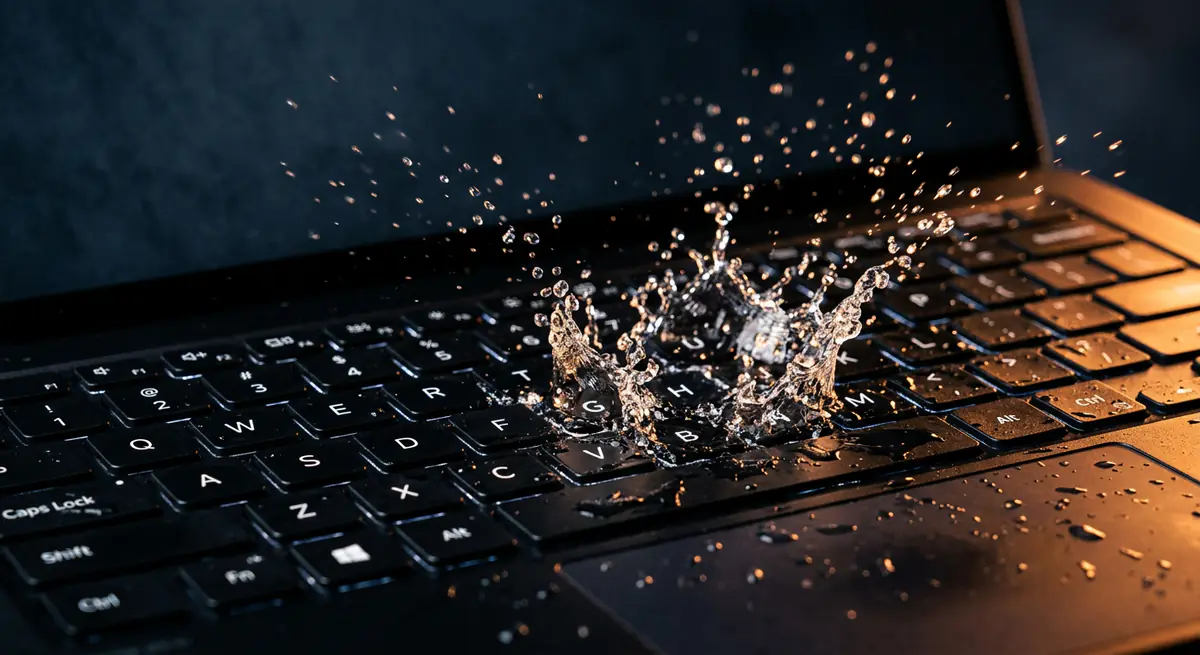
Tea, coffee or water on a laptop needs fast action. Liquid causes corrosion that keeps spreading even after the machine dries.
- Typical time1–4 days
- Service modeDoorstep, or pickup & drop
- PricingUpfront quote
About this service
Tea, coffee or water on a laptop needs fast action. Liquid causes corrosion that keeps spreading even after the machine dries.
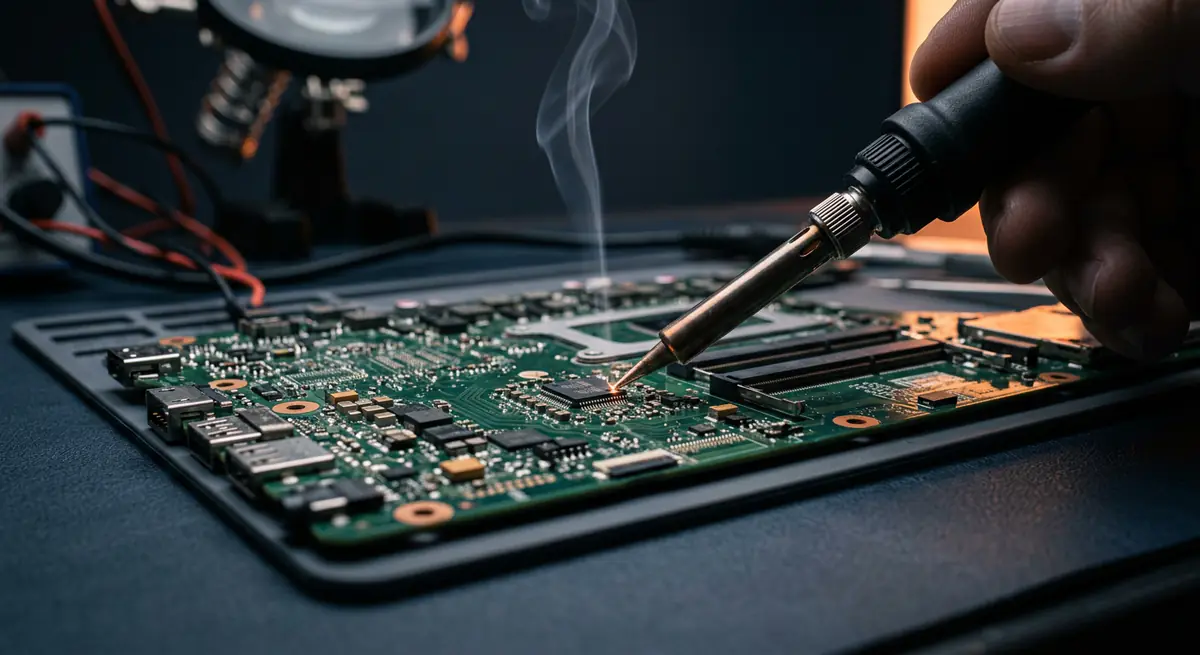
We open the device, clean the board properly and treat the affected areas to give it the best chance of survival.
What's included
- Fast-response service
- Board cleaning & treatment
- Corrosion removal
- Immediate disassembly
- Board cleaning and corrosion treatment
- Keyboard and component inspection
- Damaged part replacement
- Data rescue where needed
Brands we repair
- HP
- Dell
- Lenovo
- Asus
- Acer
- Apple
- MSI
- Custom PCs
Do you need this service?
If any of these sound familiar, it's time to get it checked before it gets worse.
Any liquid spill on the keyboard
Keys sticky or not working
Laptop shut off after a spill
Screen lines after liquid exposure
From call to fixed.
Power off now
Unplug, switch off and do not try to turn it on.
Open & clean
We disassemble and clean the affected parts.
Treat corrosion
Board treated and damaged parts identified.
Repair & test
Parts replaced and full testing done.
Common causes
What usually leads to this problem.
- Spilled drinks
- Rain or humidity exposure
- Leaks near the desk
- Cleaning with too much liquid
Tips from our technicians
Simple habits that help — before and after the repair.
- Switch off and unplug immediately
- Turn the laptop upside down to drain
- Do not use a hair dryer
- Call us as soon as possible
Common questions
Everything you need to know about liquid & water damage with Fix Point.
Should I put it in rice?
No. Rice does not remove corrosion. Switch it off, unplug it, and contact us as soon as possible.
My laptop works after the spill. Is it fine?
Not necessarily. Corrosion can develop over days. Get it cleaned even if it seems to work.
Is liquid damage always repairable?
Not always, but fast action greatly improves the chances.
Can you save my data?
In most cases, yes. The storage drive can usually be recovered separately.
How do I book a repair?
Just call or WhatsApp us on +91 98447 42792, or send a message from our contact page. Tell us the issue and a convenient time, and we will schedule a visit.
Will I get a quote before the work starts?
Always. We diagnose the issue first and give you a clear, upfront quote. No work begins without your approval.
Do you use genuine parts?
Yes. We use genuine or high-quality compatible parts and will always tell you which option you are getting before we fit it.
You may also need
Laptop acting up? Stay put — we'll come to you.
Book a doorstep visit in minutes. Upfront quotes, genuine parts and repairs done right in front of you.