Laptop & Desktop Assembly / Disassembly
Upgrading RAM or storage, moving a PC to a new case, or preparing a machine for shipping all need careful disassembly and reassembly.
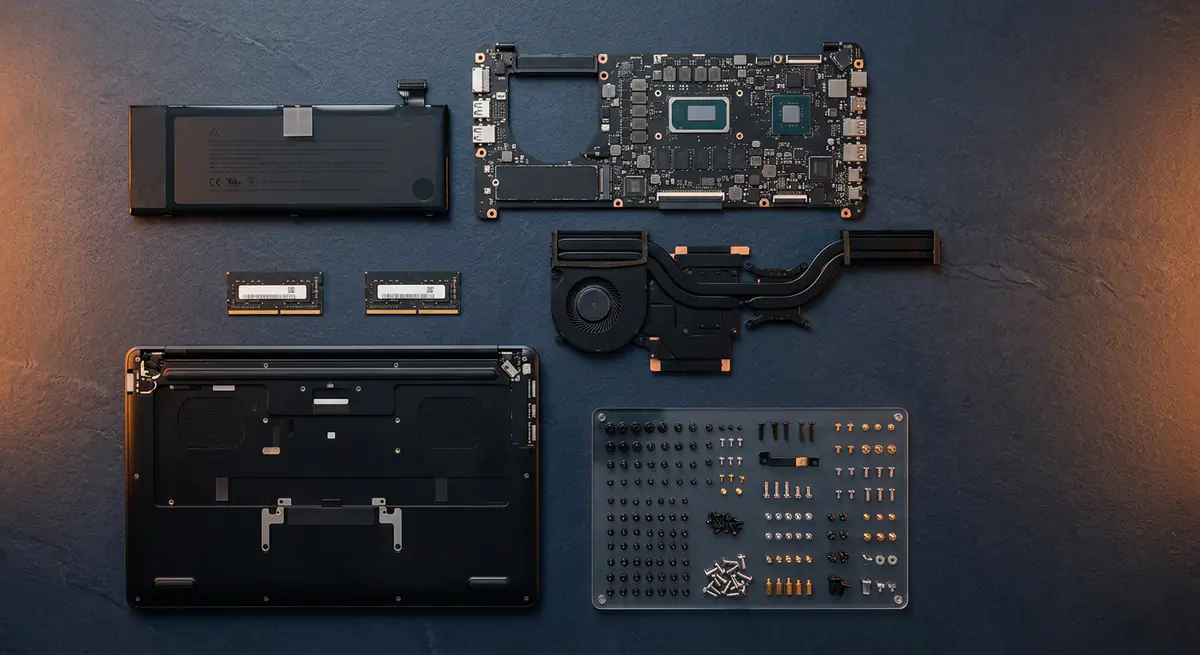
- Typical time1–3 hours
- Service modeAt your doorstep
- PricingUpfront quote
About this service
Upgrading RAM or storage, moving a PC to a new case, or preparing a machine for shipping all need careful disassembly and reassembly.
We handle the delicate parts — clips, ribbon cables, screws of different lengths — so everything goes back exactly as it should.
What's included
- Safe teardown & reassembly
- Upgrade-ready installs
- Careful handling of all parts
- Safe, anti-static teardown
- Organised screw and part handling
- Component install or swap
- Reassembly and cable routing
- Power-on and function test
Brands we repair
- HP
- Dell
- Lenovo
- Asus
- Acer
- Apple
- MSI
- Custom PCs
Do you need this service?
If any of these sound familiar, it's time to get it checked before it gets worse.
Adding RAM or an SSD
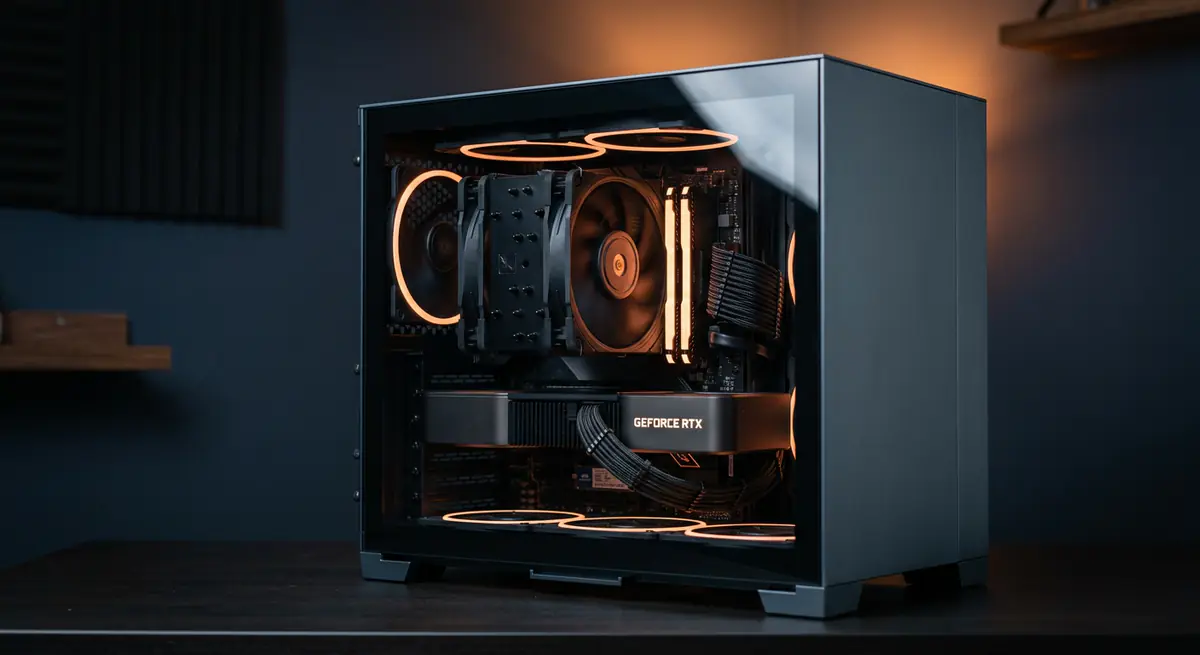
Moving to a new cabinet or setup
Packing a PC for relocation
Internal access needed for another repair
From call to fixed.
Tell us the goal
Upgrade, move or inspection — we plan the job.
Disassemble
Parts removed carefully and kept organised.
Install or swap
New components fitted, or work done inside.
Reassemble & test
Everything back in place and fully tested.
Common causes
What usually leads to this problem.
- RAM or SSD upgrade
- Moving to a new cabinet
- Shifting home or office
- Accessing parts for another repair
Tips from our technicians
Simple habits that help — before and after the repair.
- Back up data before any internal work
- Keep original boxes for transport
- Note any existing damage before the job
Common questions
Everything you need to know about laptop & desktop assembly / disassembly with Fix Point.
Will this affect my manufacturer warranty?
Some brands are strict about opening the device. Tell us if your laptop is under warranty and we will advise before starting.
Can you pack my PC for shifting?
Yes. We can remove the graphics card and other heavy parts and pack them safely for transport, then reassemble at the new place.
Can you upgrade RAM and SSD in one visit?
Yes, as long as the parts are compatible. We can check compatibility before you buy.
Will my data move to the new SSD?
We can clone your existing drive to the new SSD so everything stays as it was.
How do I book a repair?
Just call or WhatsApp us on +91 98447 42792, or send a message from our contact page. Tell us the issue and a convenient time, and we will schedule a visit.
Will I get a quote before the work starts?
Always. We diagnose the issue first and give you a clear, upfront quote. No work begins without your approval.
Do you use genuine parts?
Yes. We use genuine or high-quality compatible parts and will always tell you which option you are getting before we fit it.
You may also need
Laptop acting up? Stay put — we'll come to you.
Book a doorstep visit in minutes. Upfront quotes, genuine parts and repairs done right in front of you.